

How do I use the StrongLifts app shortcuts on Android?
With app shortcuts, you can start your workout, go back to a workout in progress, or open your history, calendar or progress.
Use a shortcut
- On the home screen, touch and hold the StrongLifts icon.
- Lift your finger. A list of shortcuts opens.
- Tap "Start Workout".
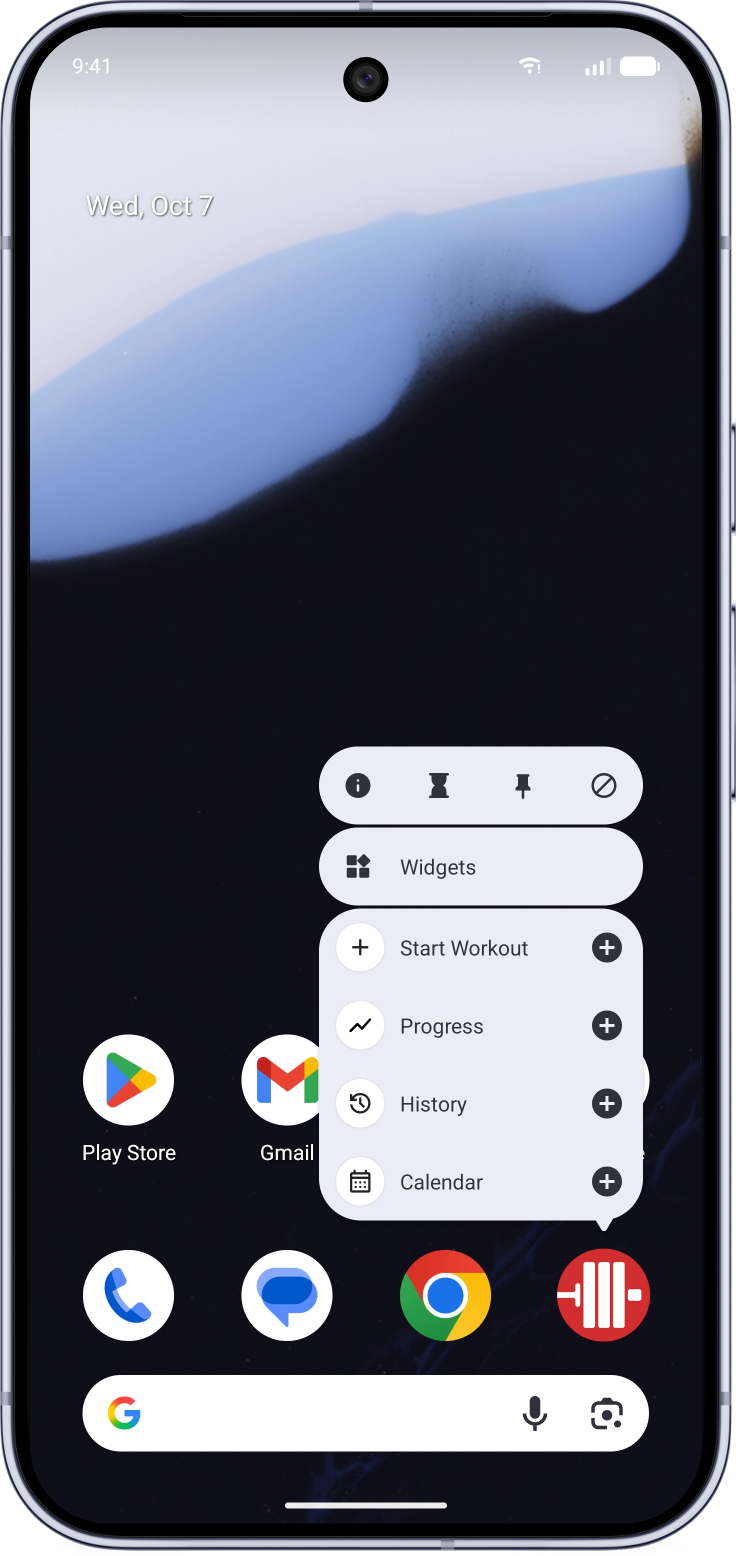
Put a shortcut on your home screen
- On the home screen, touch and hold the StrongLifts icon.
- Lift your finger. A list of shortcuts opens.
- Touch and hold "Start Workout".
- Drag the shortcut to the place you want on your home screen, then lift your finger.
Tap the shortcut to start your workout. You can use the same steps to add a shortcut for your history, calendar or progress.