How do I change the weight on my Apple Watch?
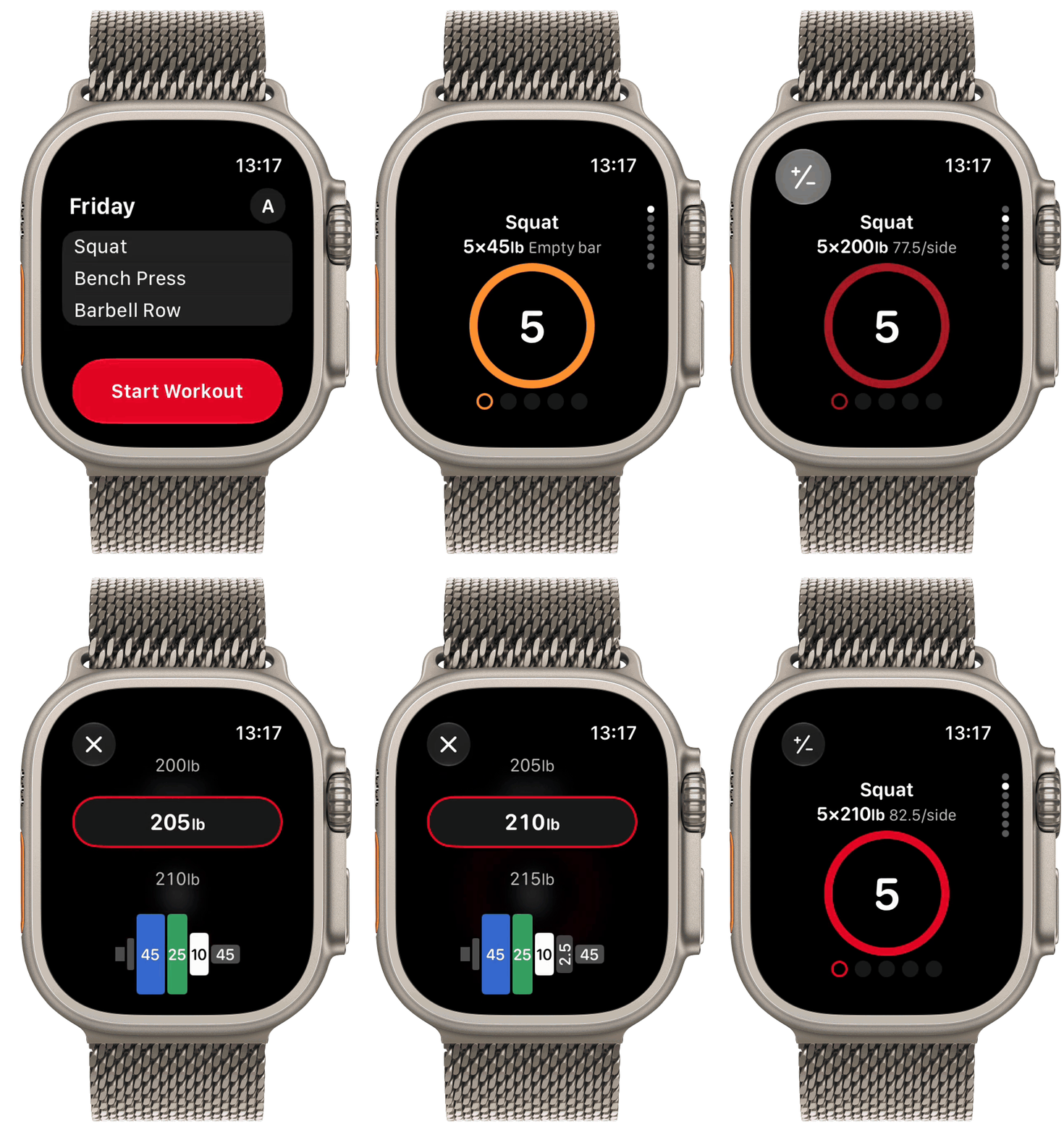
In the StrongLifts app on Apple Watch, you can change the weight of an exercise during your workout. Turn the Digital Crown or tap the next weight, and the plate calculator shows the plates to load.
- During a workout on your Apple Watch, go to the sets page of the exercise.
- Tap the ± button at the top left.
- Turn the Digital Crown to change the weight. You can also tap the weight above or below.
- Look at the plates under the weight. They show the plates for one side of the bar.
- Tap the X at the top left.
StrongLifts now shows the new weight for your next set and for the later sets of this exercise. Your iPhone gets the change too.